Dietitian Software
Affordable software for Dietitians with Patient Notes, Patient Bookings, Integrated Invoicing & Payment Processing, Email Integration and more. Practice Master Pro is an all in one solution for your practice comprising of powerful networked desktop applications along with cloud sync and website access for smartphone/iPad - and all for a price comparable to our "website only" competitors.
Take your dietitian practice to the next level by giving your team powerful multi-tasking software accessible 24/7 through the cloud.
How Are We Different?
Practice Master Pro combines native apps with a cloud-hosted backend for your dietitian clinic. Work through dedicated Windows, Mac, iOS and Android apps while authorised team members access the same current practice information.
Cloud-Hosted Patient Records
Your patient and practice information is stored centrally in the cloud. Connect through the native apps to work with current records across supported devices and practice locations.
Superior Multi-Tasking Desktop Environment
Our full desktop multi-tasking application lets you work more efficiently in a busy practice environment. Fully integrated workflows and shortcut menus give you the edge - and you don't need to work in a website all day!
Connected Booking & Practice Tools
Bring appointments, patient records and billing together, with online booking integrated into your own website. Keep reception and practitioners working within the same connected practice system.
Features Specifically for Dietitians
The following features are particularly well suited for an dietitian clinic:
Customisable Patient Forms
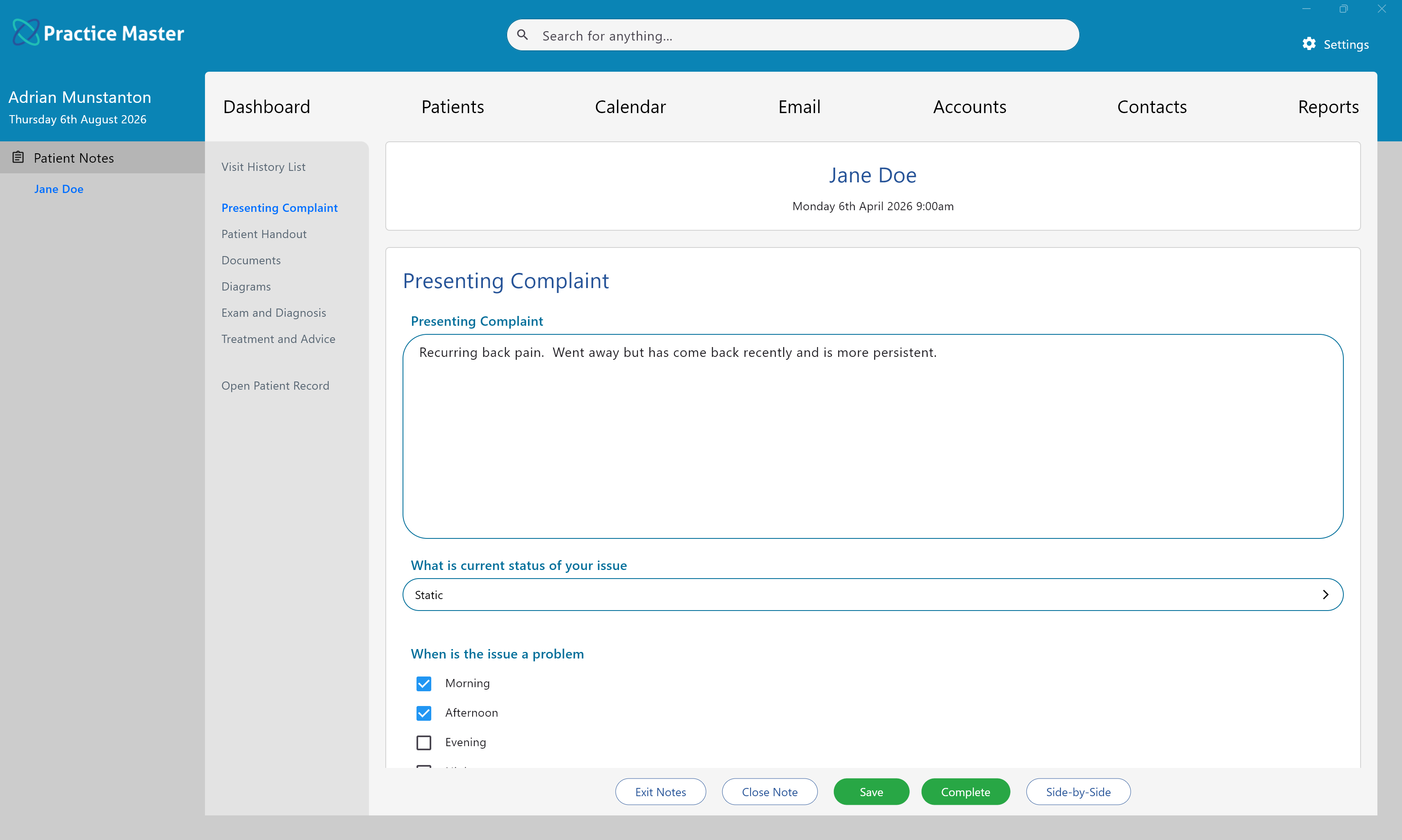
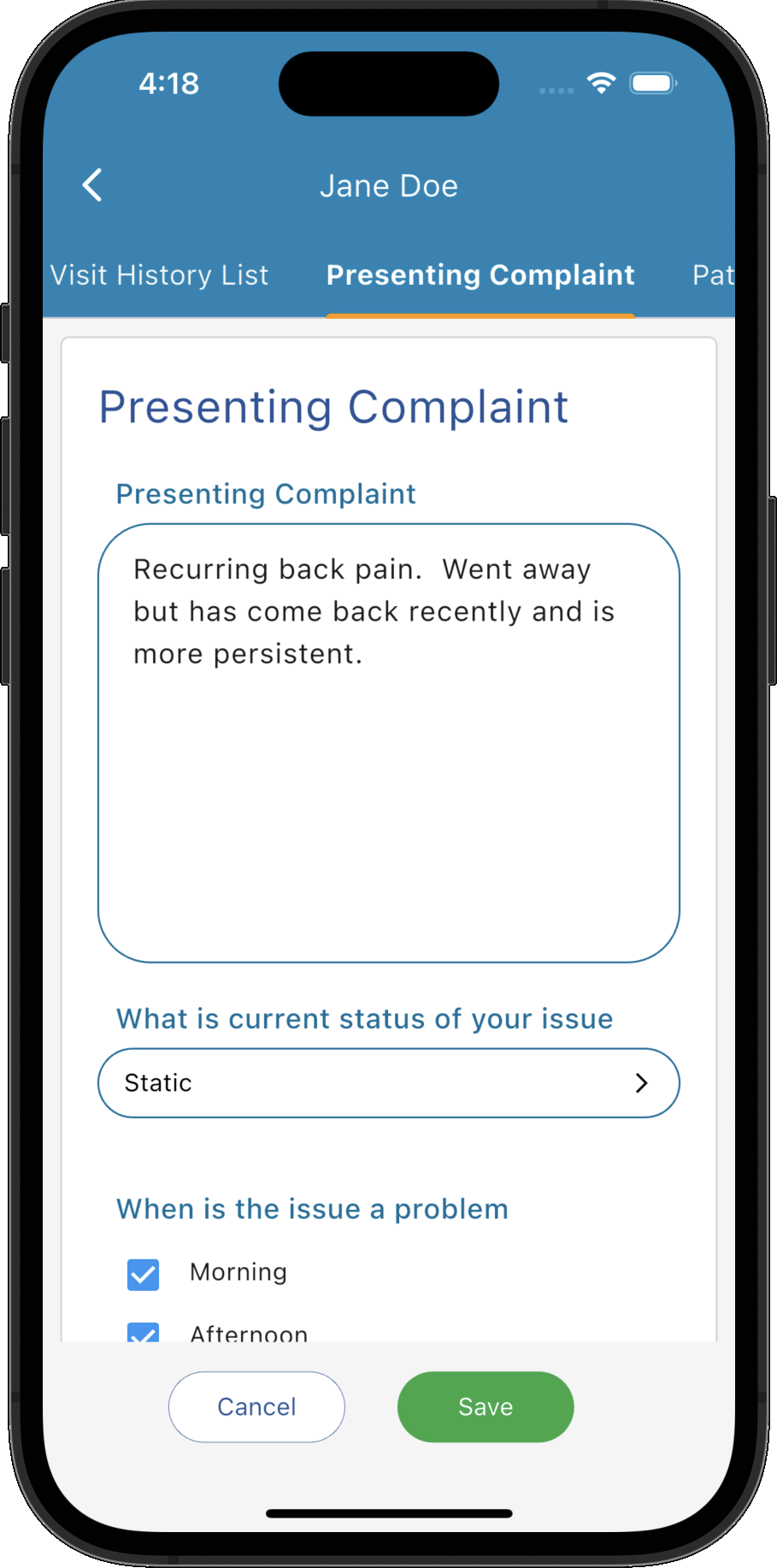
The Practice Master Pro software system lets you create your own custom dietitian patient forms to fit in perfectly with your dietitian practice. Create forms to capture patient data on Lifestyle, Health, Diet, Iridology etc. You can create your own pre-defined answers too so you can double click to add them which means less typing during your consultations.
The software comes with a dietitian template already set up and ready to use. You can use it as-is or customise it as you require to ensure it fits perfectly in to your dietitian clinic.
Our patient notes features are described in more detail on the patient notes software page.
Professional Diagrams
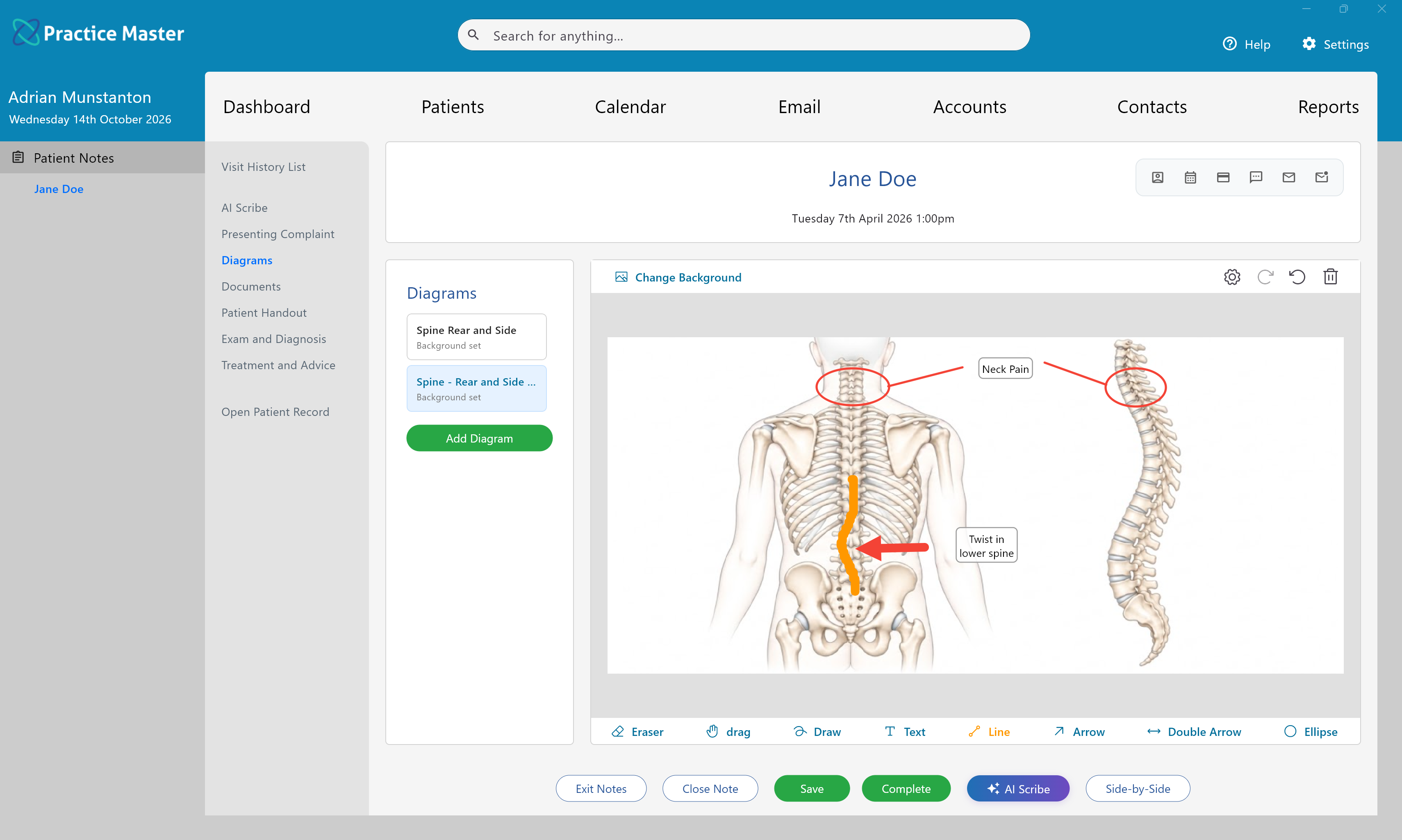
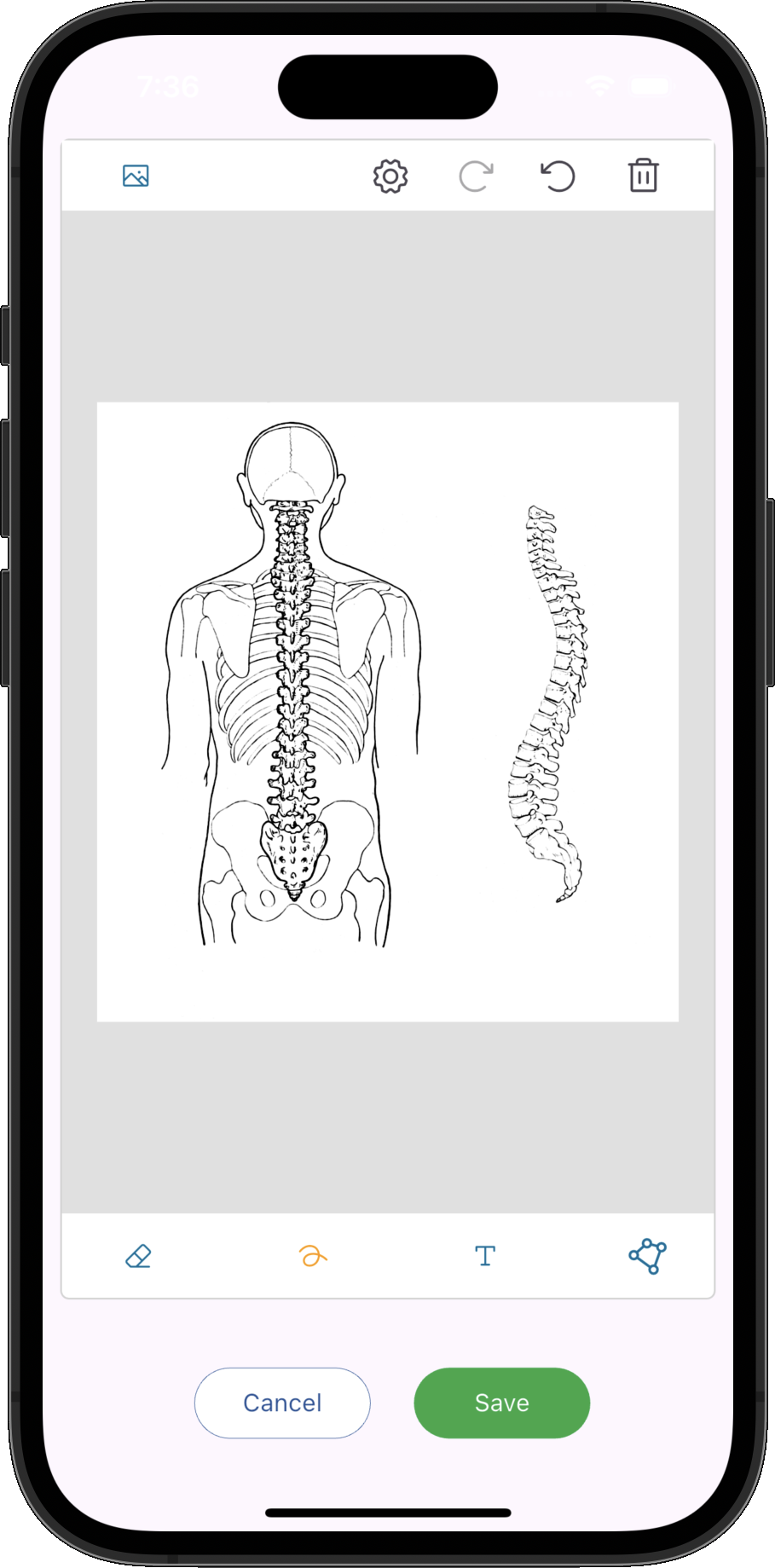
Add multiple high-quality informative diagrams to your patient notes with our streamlined diagram editor. Easily annotate the diagrams to give a quick overview of the complaint during review. You can annotate any of the built-in backgrounds or add your own to suit your dietitian practice.
Diagrams can be a great way to break down the barrier that the computer can become between practitioner and patient. The practitioner can involve the patient in the process of annotating and drawing on the diagram.
Patient Handouts
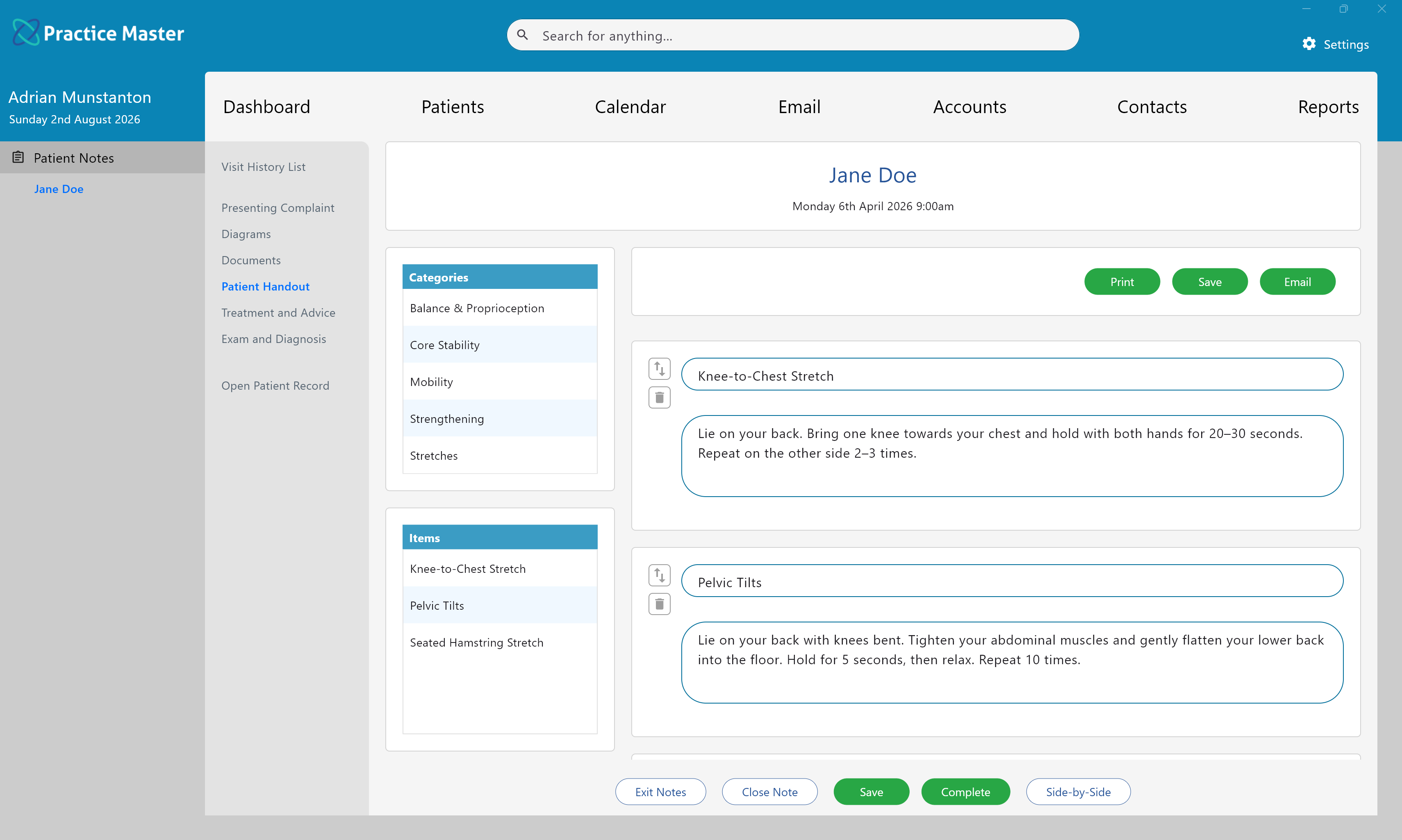
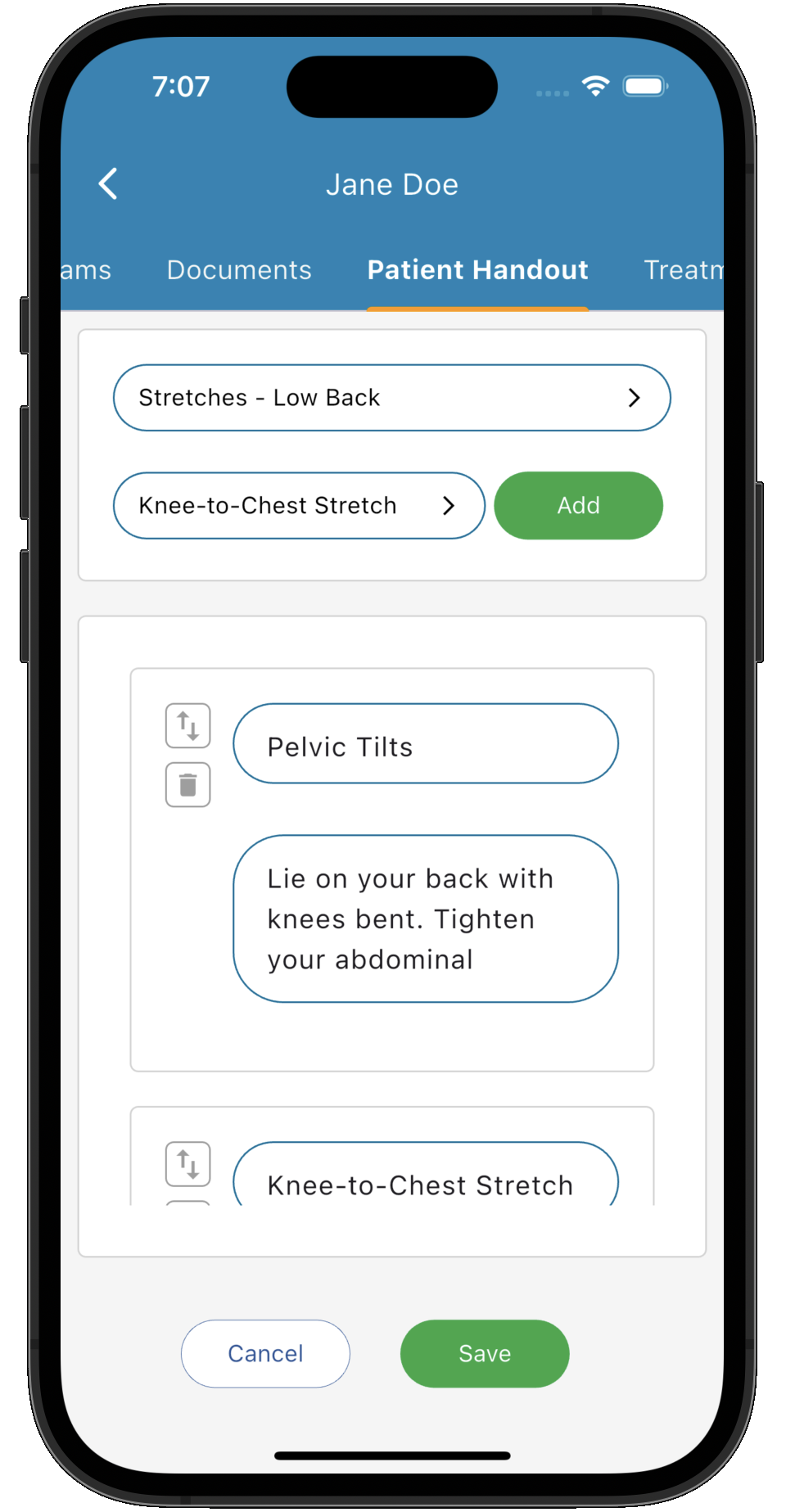
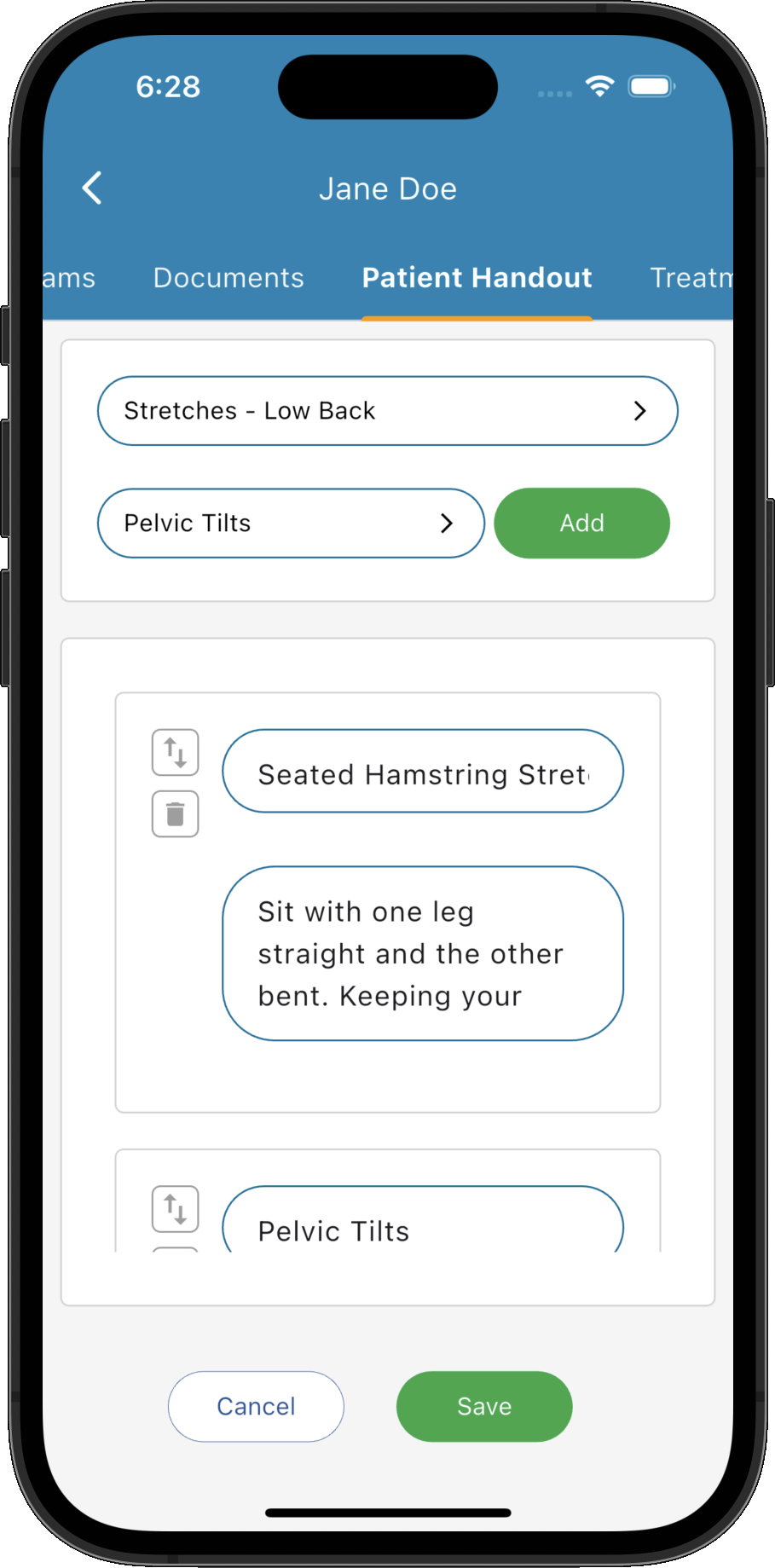
Create your own handout items and easily add them to patient handouts during your consultation and print for your patient to take home, or a single click will email it directly to their email address. You can categorise your handout items in to groups such as Herbs, Supplements, Diet Advice, Detox Methods, Lifestyle, Relaxation Methods etc. to make them easy to find.
Rather than creating highly customised handouts during the treatment, you might like to take advantage of the software's document template features. You can import Microsoft Word documents, PDF's etc which you most likely already have at your dietitian clinic and set them up as templates in the system. You can add them easily to your patient records and print/email them to your patient with a single click. These kinds of handouts are great for fairly static content and can produce professional quality handouts.
You can read more about our document generation and templating features on the 'Document Templates' page.
Info Sheets
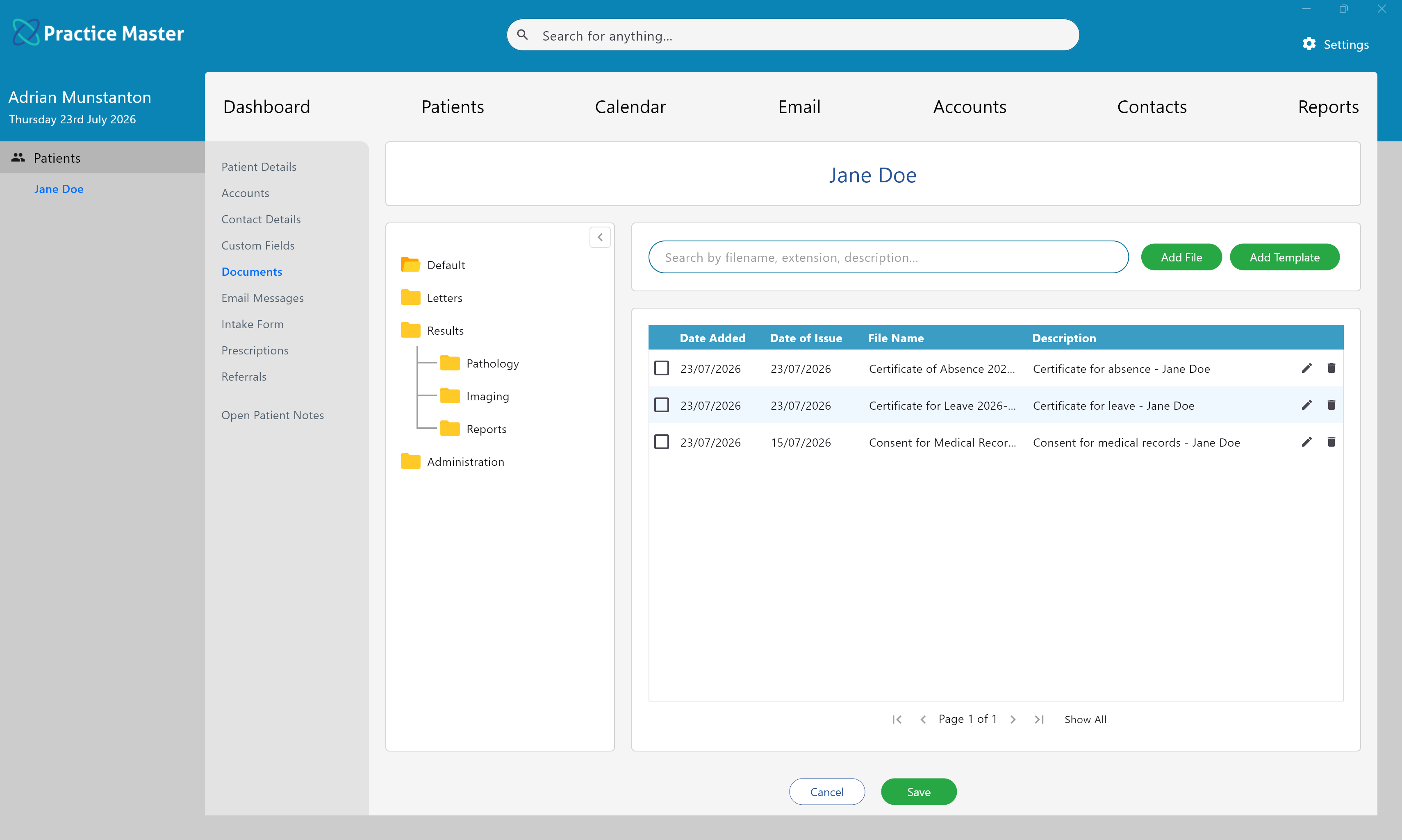
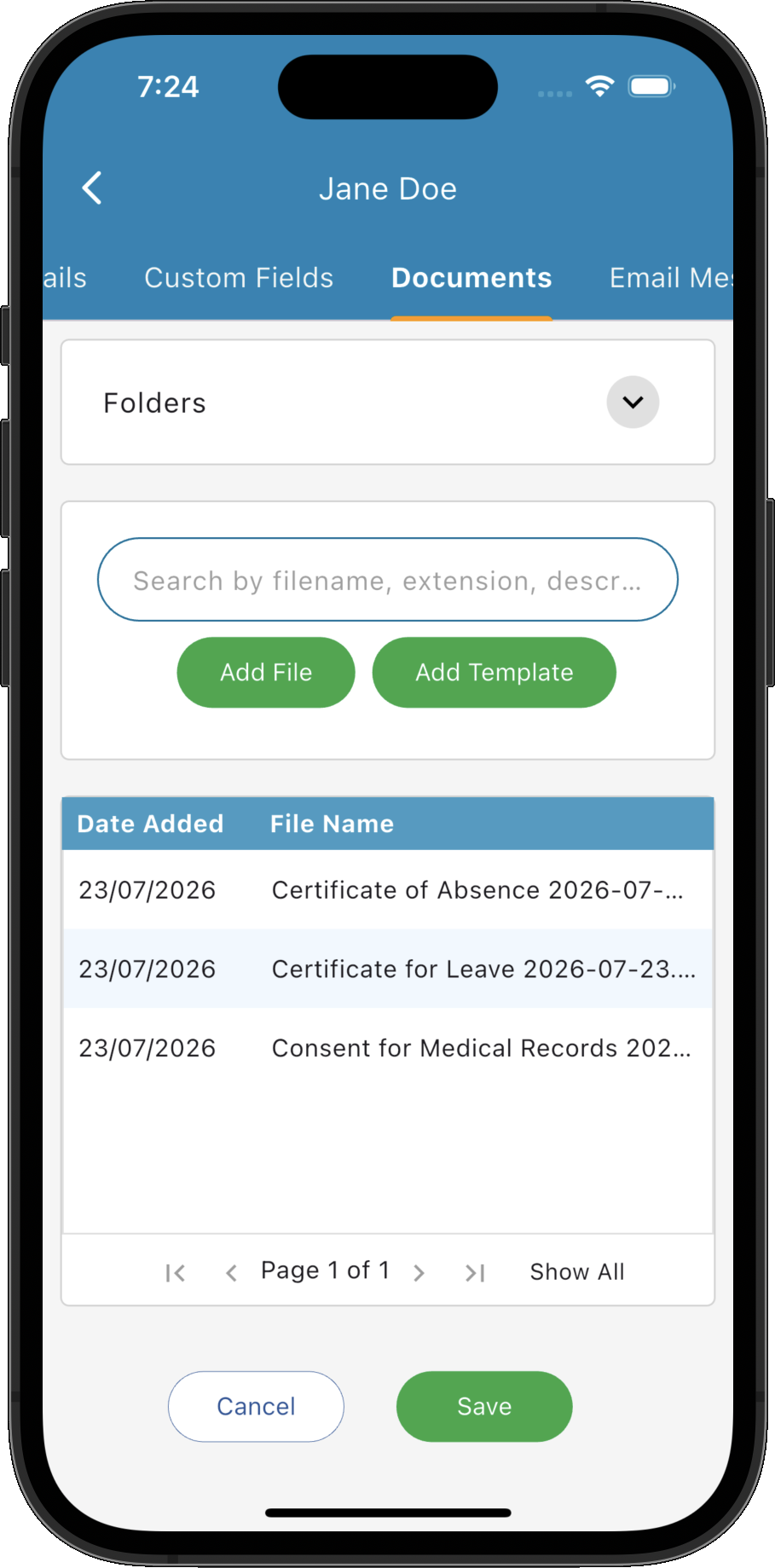
You can add your own 'info sheets' in to the system and add them to your patient notes at any time. Info-sheets can be any file type, images, documents, pdfs etc and contain mostly static content. They are the kind of files you probably have all over your "C" drive at the moment waiting to be copied and emailed although now you can manage and email them all in one place with the click of a mouse.
Prescriptions
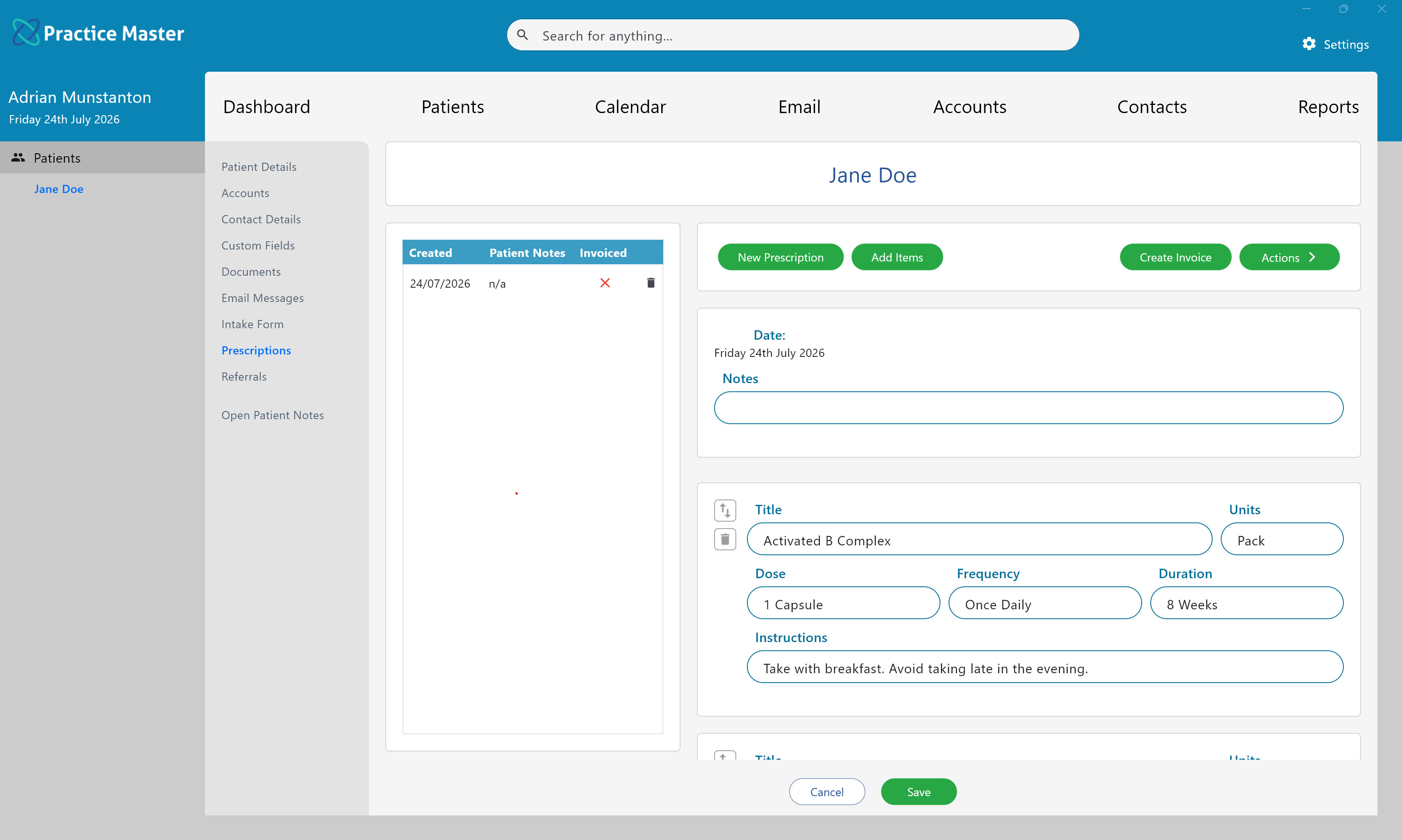
If you dispense any medications, herbs or mixtures from your dietitian practice then you can benefit from using the dedicated prescriptions tab in the software. It is available in the patient record as well as in the patient notes.
Prepare prescriptions within the patient record or notes, keeping your recommendations connected to the consultation.
Review previous prescription information alongside your clinical notes when planning follow-up care.
Connected Patient Billing
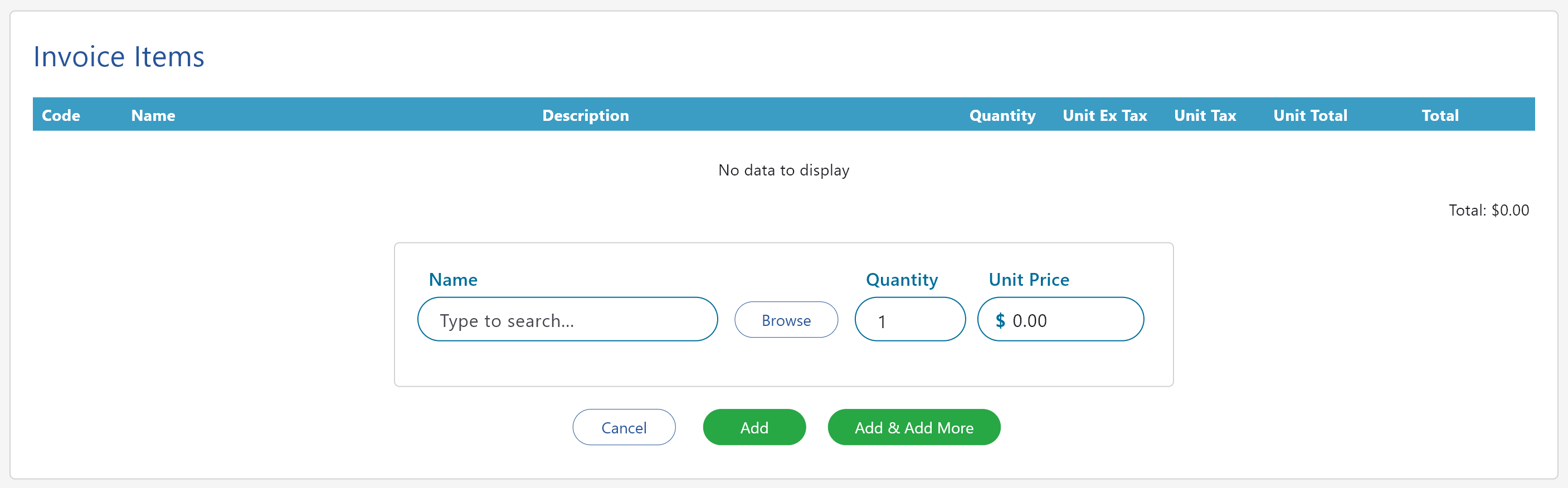
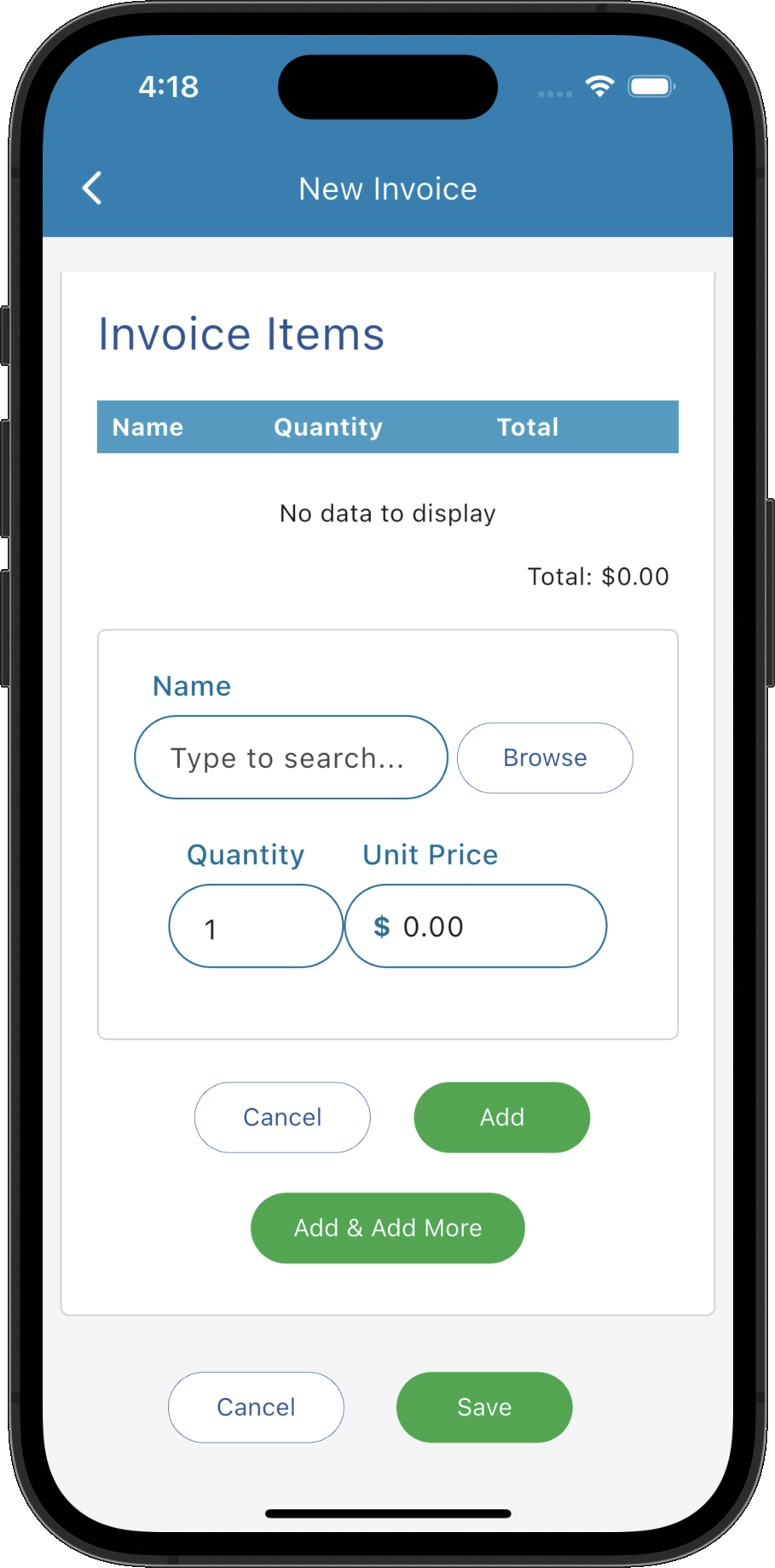
Keep invoices and payments connected to the patient record. Review billing information alongside appointments and clinical notes to support your everyday practice workflow.
You can read more about our patient billing features on the accounts & billing page.
Focus on the Consultation with AI Scribe
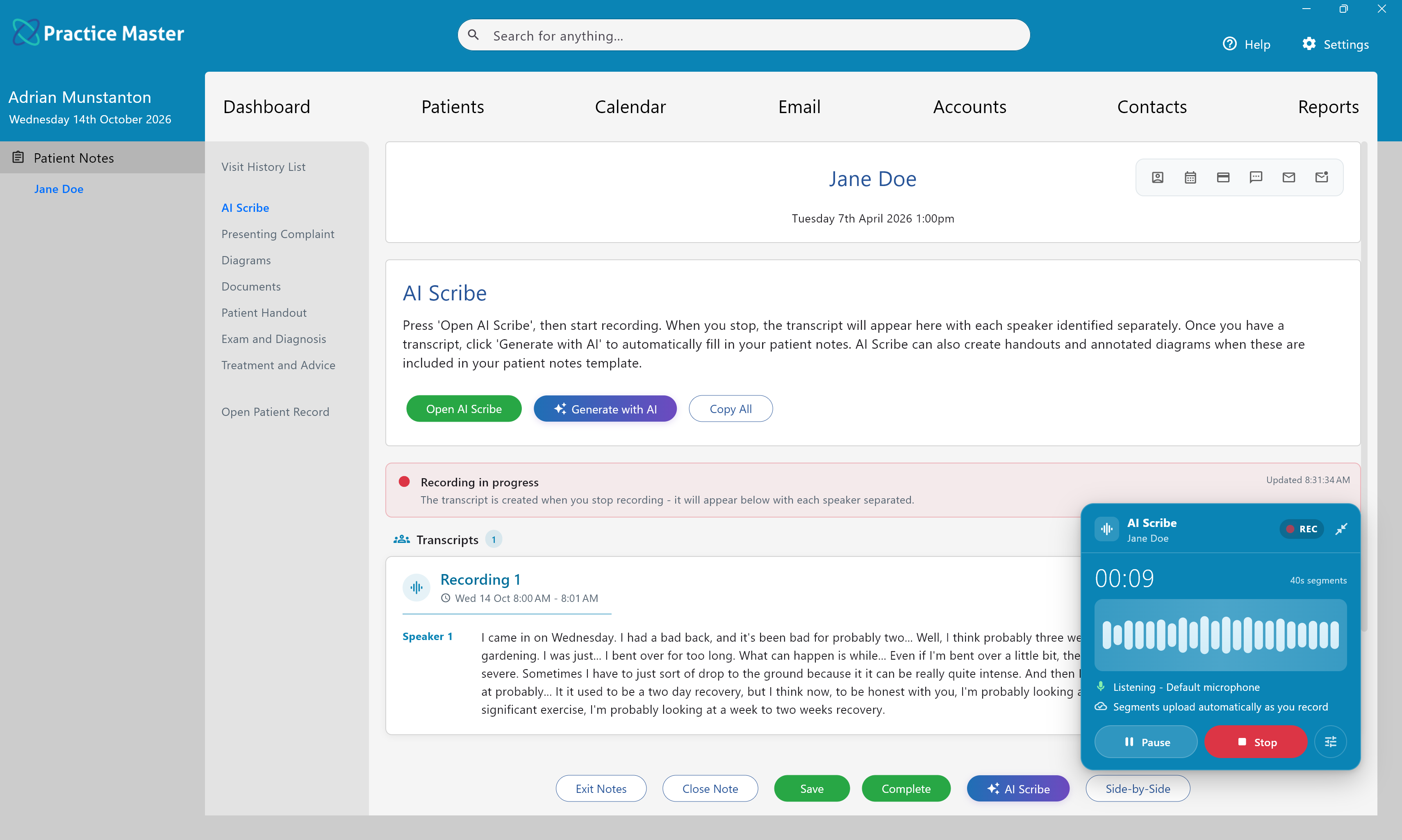
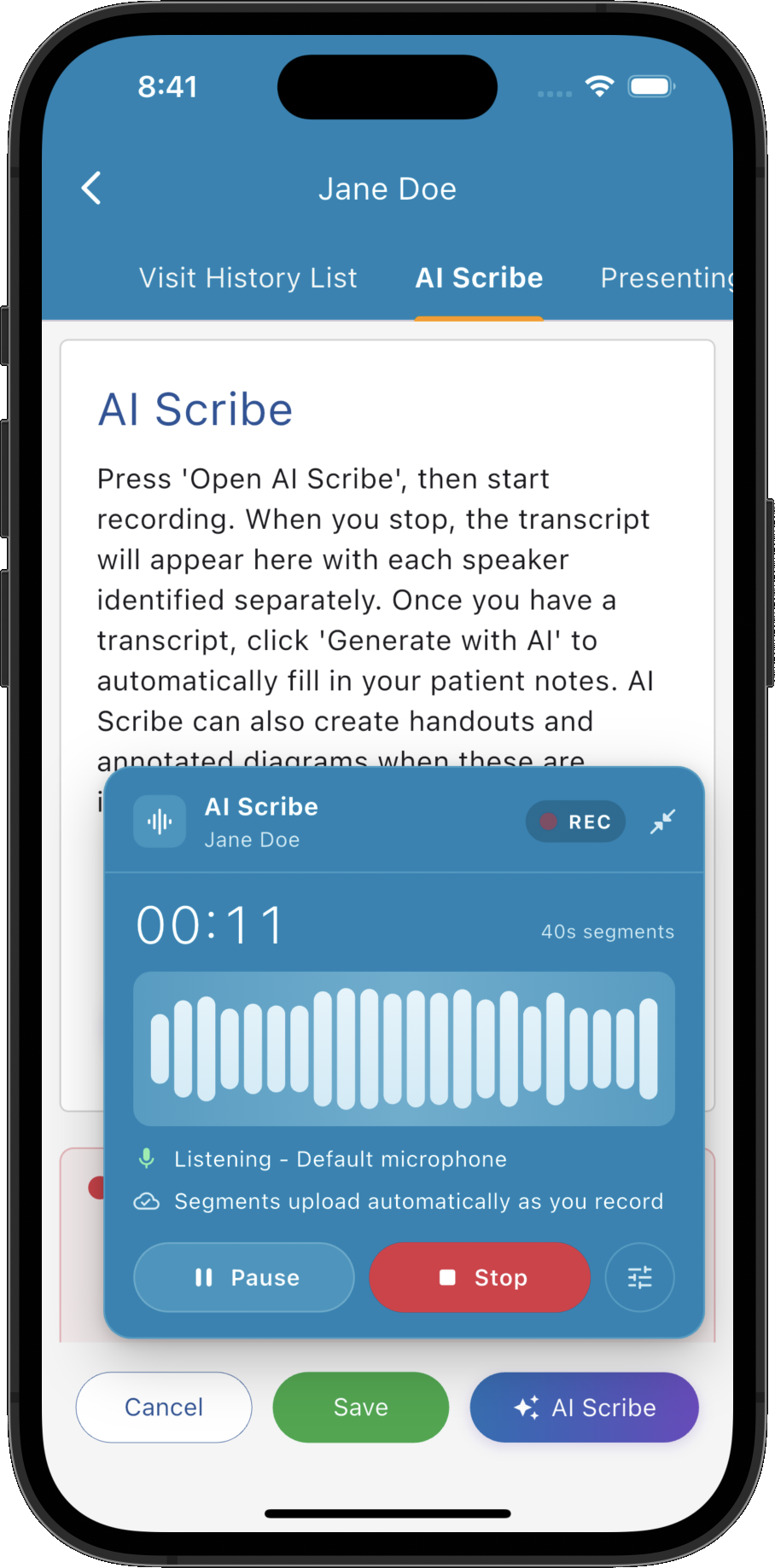
Give your patient your attention while AI Scribe captures the conversation. Open the recorder from your patient notes, record the consultation and receive a transcript in your AI Scribe tab, ready to use when preparing your dietitian consultation notes.
- ✓ Start recording within your patient notes workflow
- ✓ Keep recording while you navigate through the app
- ✓ Record a session at once or add further recordings
- ✓ Access the transcript directly in your patient notes
Generate Draft Notes in Your Dietitian Templates
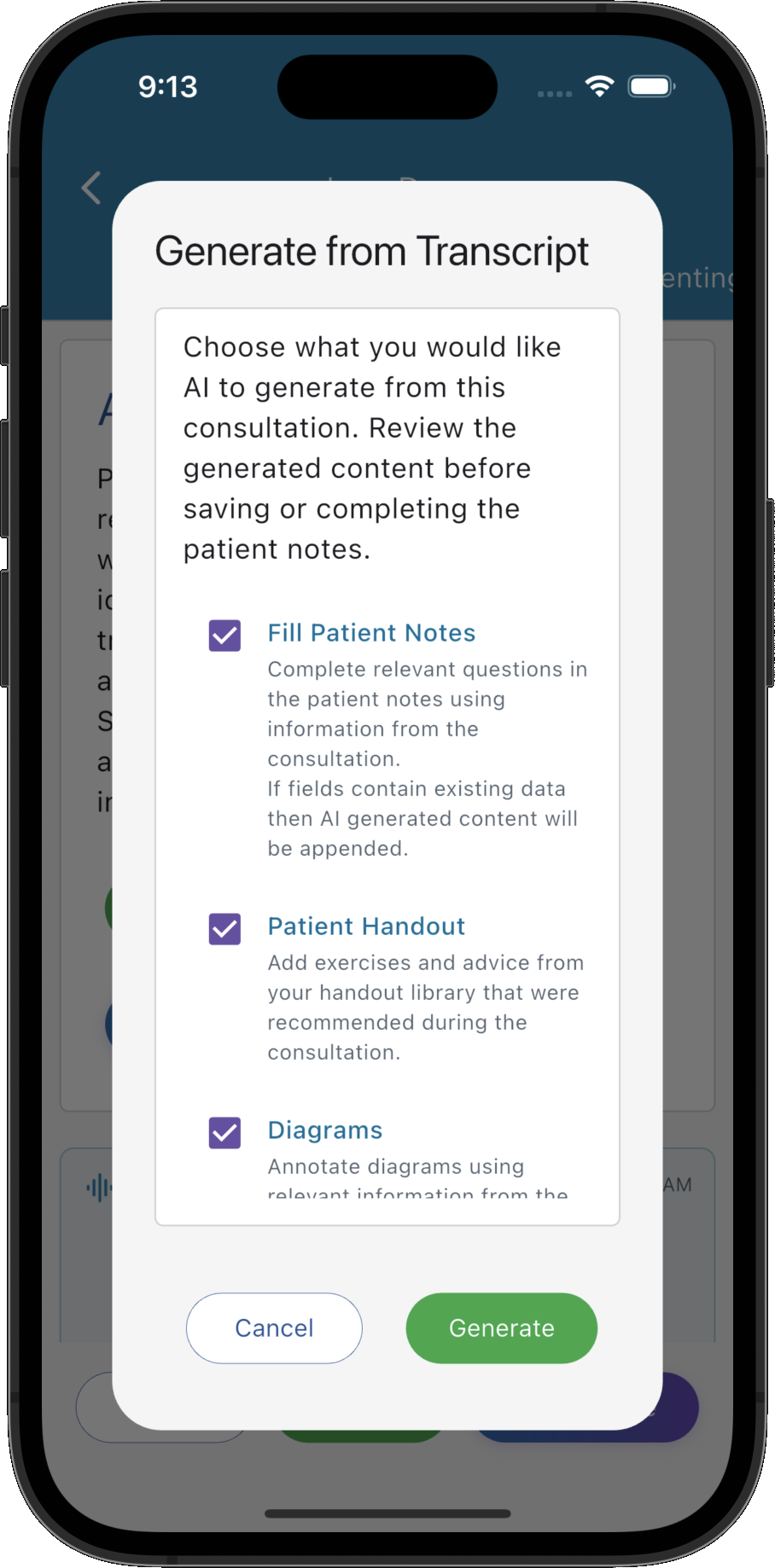
Turn the consultation transcript into draft notes in your own templates with AI Patient Notes. Choose whether to populate your notes, prepare library handouts or generate annotated diagrams, then review and refine the results before finalising your clinical record.
- ✓ Generate notes in the custom templates your clinic uses
- ✓ Populate text fields, custom lists and multiple choice questions
- ✓ Choose options for library handouts and annotated diagrams
- ✓ Review and edit generated content with your clinical judgement
AI Scribe and AI Patient Notes require an optional AI licence. They are not included in the standard free trial.
Explore AI Patient Notes generation →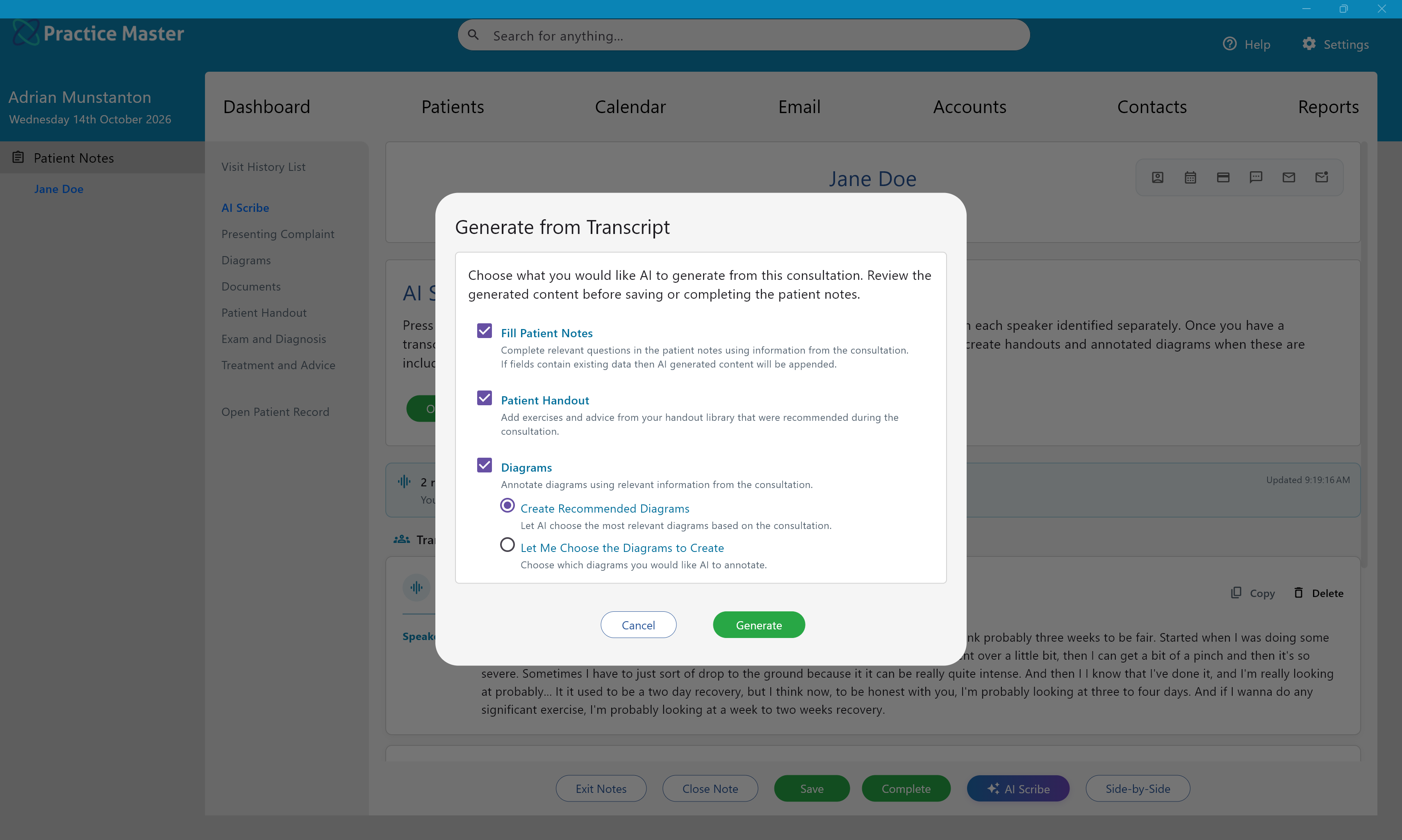
See it running in a dietitian clinic like yours.
Start your free 14-day trial and explore the workflows that suit your practice. Optional AI features require a separate AI licence and are not included in the standard free trial.