Patient management software. One record. A clearer picture.
Practice Master Pro is patient management software that connects the details behind every visit. Bring appointments, clinical notes, emails, documents and accounts together so your team can find what they need and focus on the patient in front of them.
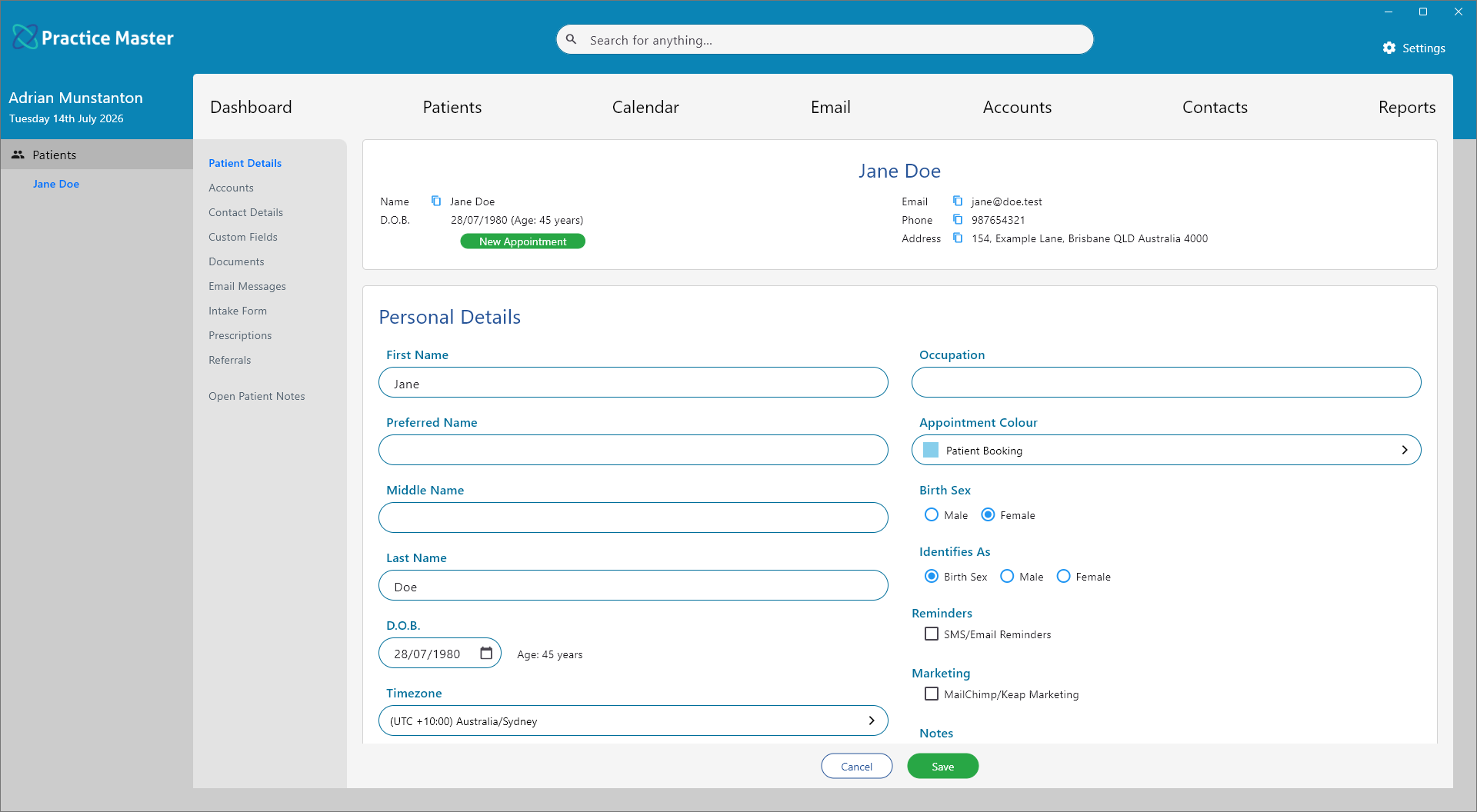
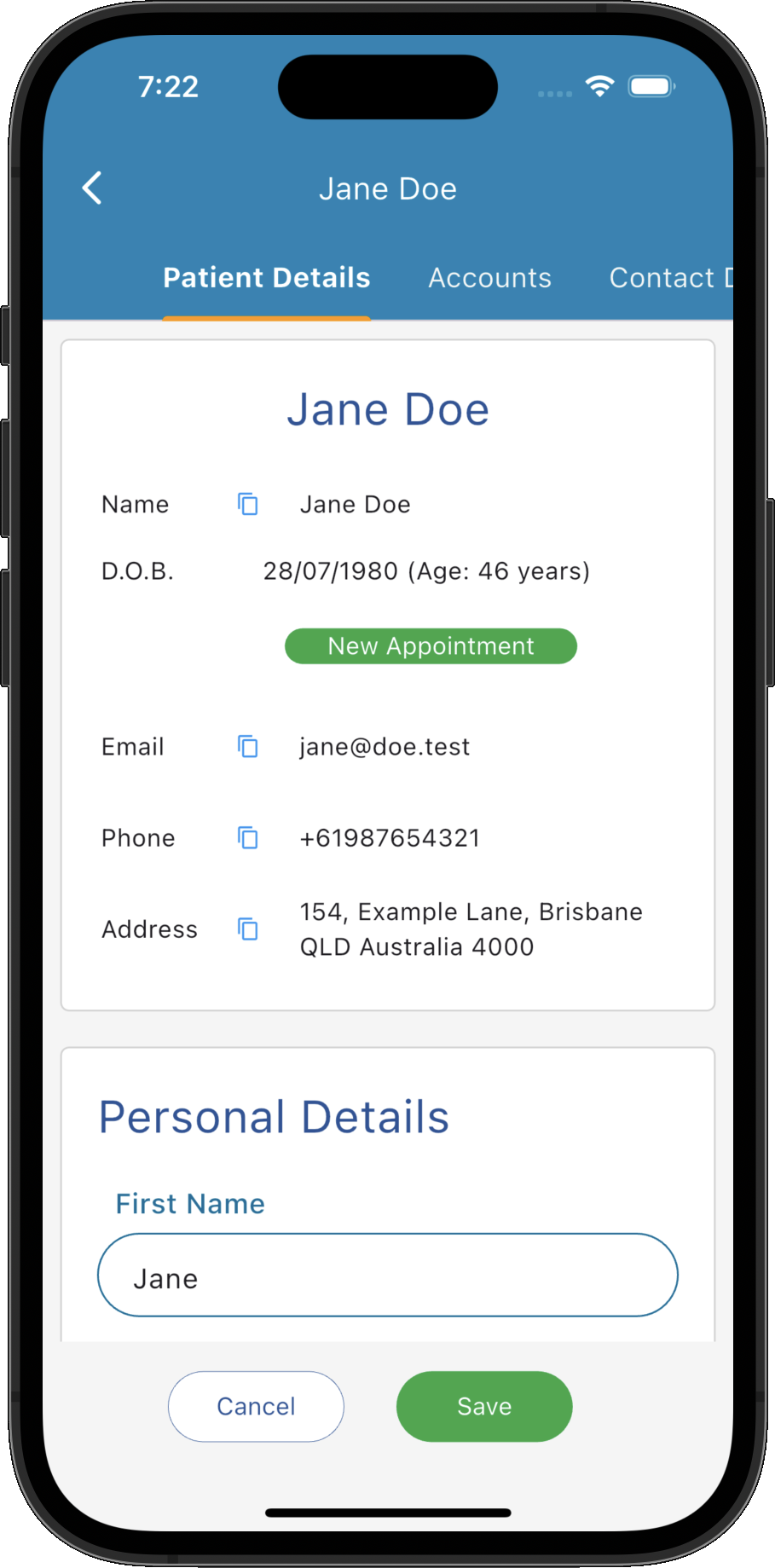
Patient management software that connects your day.
Answer an enquiry, prepare for a consultation or check an account with the patient's information close at hand. Keep reception and practitioners working from one connected record.
The patient picture, together
Find contact details, appointment history, clinical notes and accounts within the same patient record.
Email with context
Keep correspondence linked to patients and contacts, ready for your team to review the conversation.
Documents where you need them
Store referrals, forms and attachments with the patient, ready to access when the next visit arrives.
Bookings linked to the patient
Move from the patient record to appointment details with the context you need already in view.
Connected patient accounts
Review invoices, payments and account information alongside the patient details they relate to.
Workflows for each role
Help reception, practitioners and administrators reach their everyday tasks with relevant actions close at hand.
Know the patient before the next step.
Give your team a connected view of each patient, from the first enquiry to ongoing care. Bring contact information, booking history and clinical records together so reception and practitioners can pick up where the last interaction left off.
- ✓ Find patient and contact details in one place
- ✓ Review upcoming appointments and previous bookings
- ✓ Open clinical notes within the patient record
- ✓ Access related emails, documents and accounts
Find the email. Understand the context.
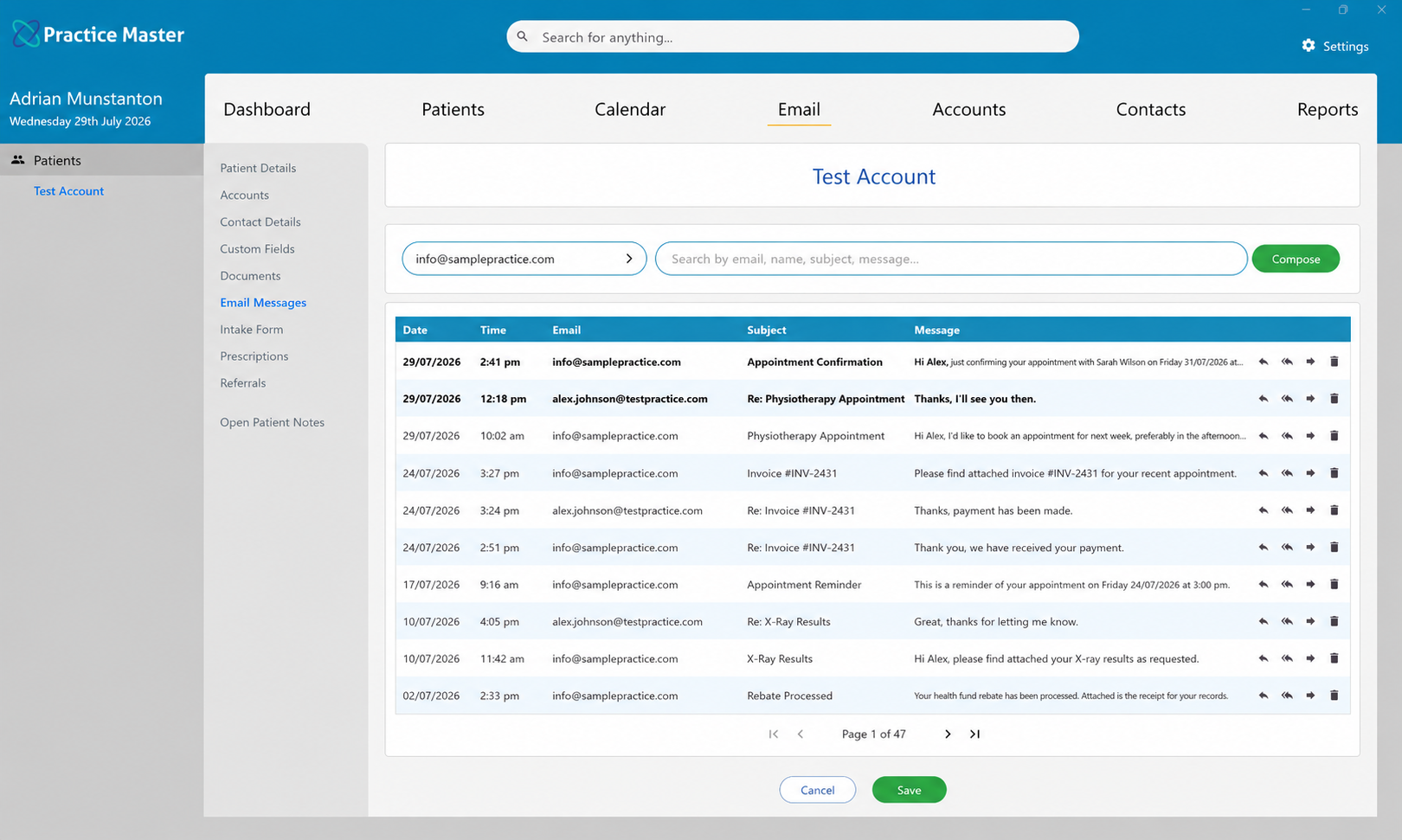
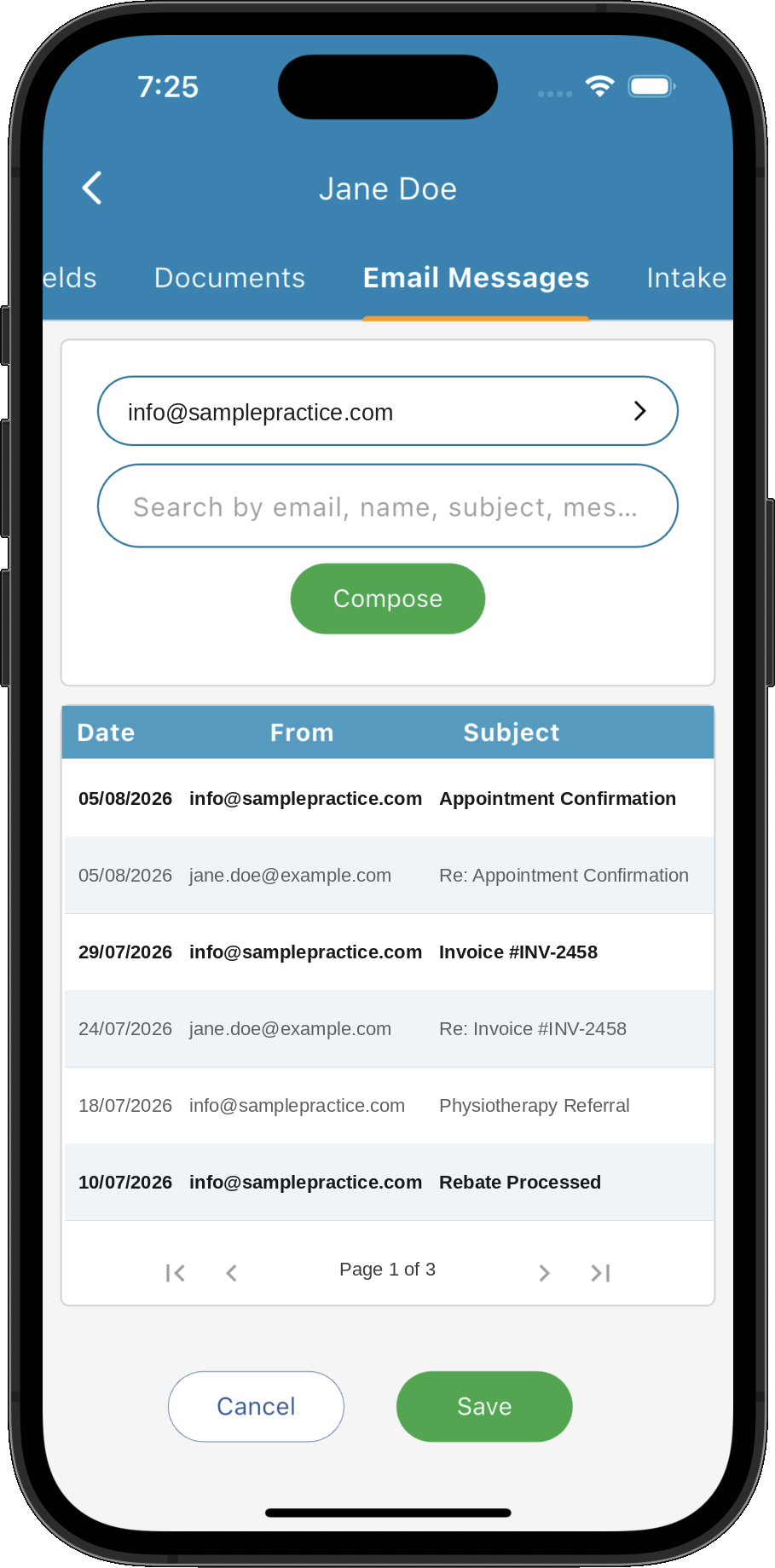
Integrated email can automatically match correspondence to the relevant patient or contact. Review previous conversations alongside the patient's information, then move straight to the booking, note or document you need.
- ✓ Review sent and received emails with the patient
- ✓ Match configured email addresses to the same record
- ✓ Move from a conversation to related patient information
- ✓ Spend less time searching for earlier correspondence
Keep important files beside the record.
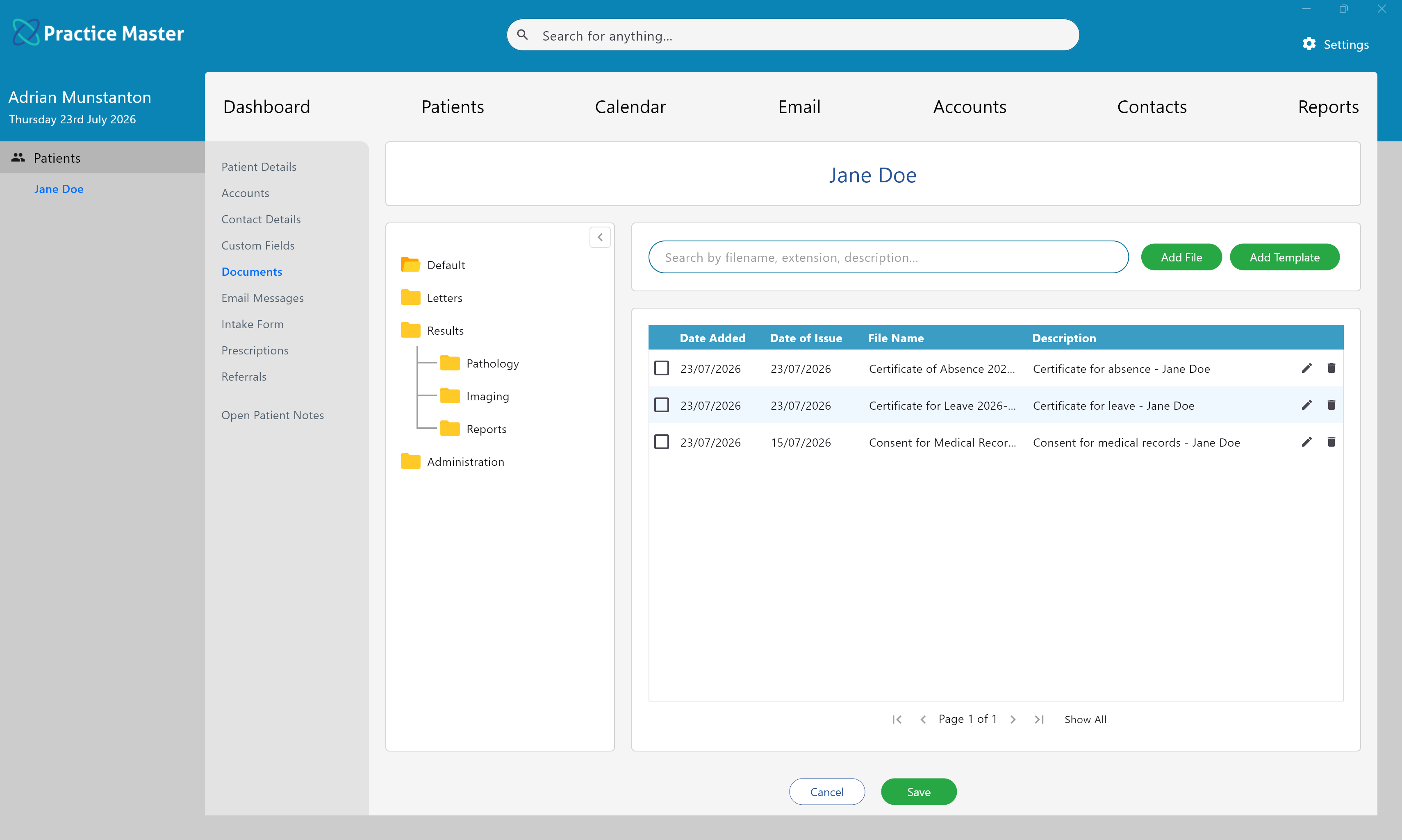
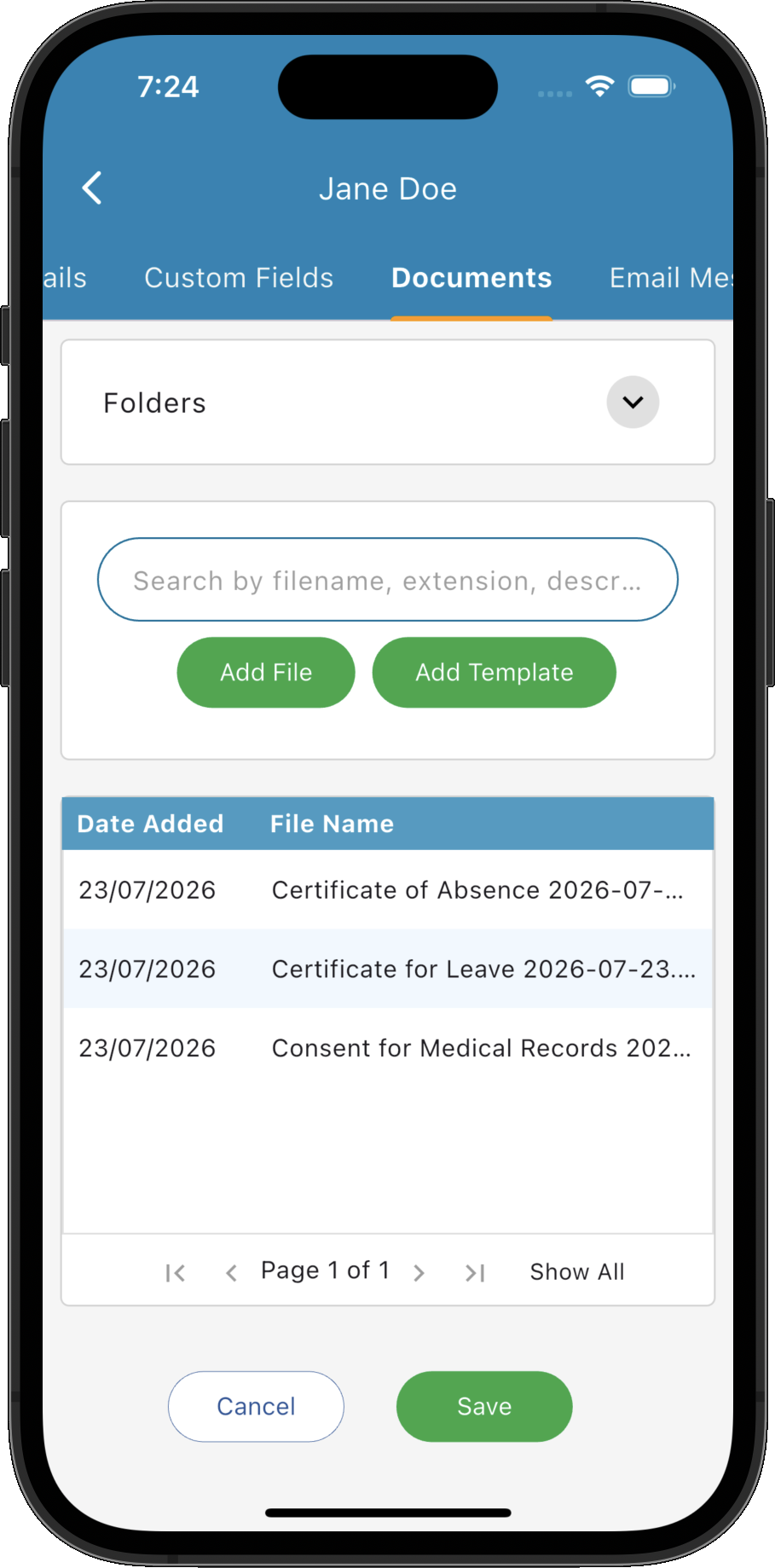
Store referral letters, reports, completed forms and other files with the patient they belong to. Give your team a consistent place to find the documents that support each consultation.
- ✓ Add documents directly to the patient record
- ✓ Save relevant email attachments with the patient
- ✓ Access files alongside clinical and contact information
- ✓ Keep supporting documents connected to their patient
Put everyday actions within easy reach.
Reception, practitioners and administrators each have different priorities. Purposefully chosen menu actions in each part of the app help your team reach the tools they need and keep the day moving.
The right actions, right where you work
Right-click menus bring together relevant actions for each part of the app, helping you move through everyday tasks with fewer steps.
Keep reception moving
Answer enquiries with bookings, contact details, correspondence and account information close at hand.
Prepare for patient care
Move from an appointment to clinical notes and supporting documents with the patient's information in context.
Simplify daily administration
Access accounts, reports and documents within the same system your clinical team uses.
Match emails to the patient
Connect email correspondence and related details to the right record, ready for the next interaction.
Move between tasks with context
Keep bookings, notes, emails, documents and accounts connected as you work through the day.
Make each step easier to pick up.
Patient care spans bookings, conversations, consultations and accounts. Keep those steps linked so your team has the information to act, whether arranging the next visit or following up after treatment.
Review the next appointment
See and manage bookings in the context of the patient's record and appointment history.
Follow the conversation
Match incoming emails to the patient and open the record behind the message.
Document the consultation
Open clinical notes with the patient's existing information available to support the visit.
Find supporting documents
Access referrals, forms and reports from the patient record when you need them.
Connect care to billing
Keep invoices linked to the patient and appointment, reducing repeated data entry.
Keep follow-ups consistent
Use templates and integrated email to prepare communications with the patient's context in view.
Patient information where your team works.
Access cloud-hosted records through dedicated apps for Windows, Mac, iPhone, iPad and Android. From naturopathy and osteopathy to chiropractic, physiotherapy, speech therapy, podiatry, acupuncture and dietetics, keep your authorised team connected to current patient information.
One up-to-date record
Centrally stored patient information gives authorised team members the same current view.
Choose your device
Work from your Windows or Mac computer, iPhone, iPad or Android device to suit the task at hand.
Connect your whole practice
Bring individual practitioners, shared rooms, multiple locations and different disciplines together in one system.
See what one connected patient record can do for your day.
Try Practice Master Pro patient management software free for 14 days. Explore records, bookings, email and accounts, and see how they fit your team's workflow.